STEP 01
Share a drive
Install Basalt Host on the PC with your films, photos and files, and choose the drive to share.
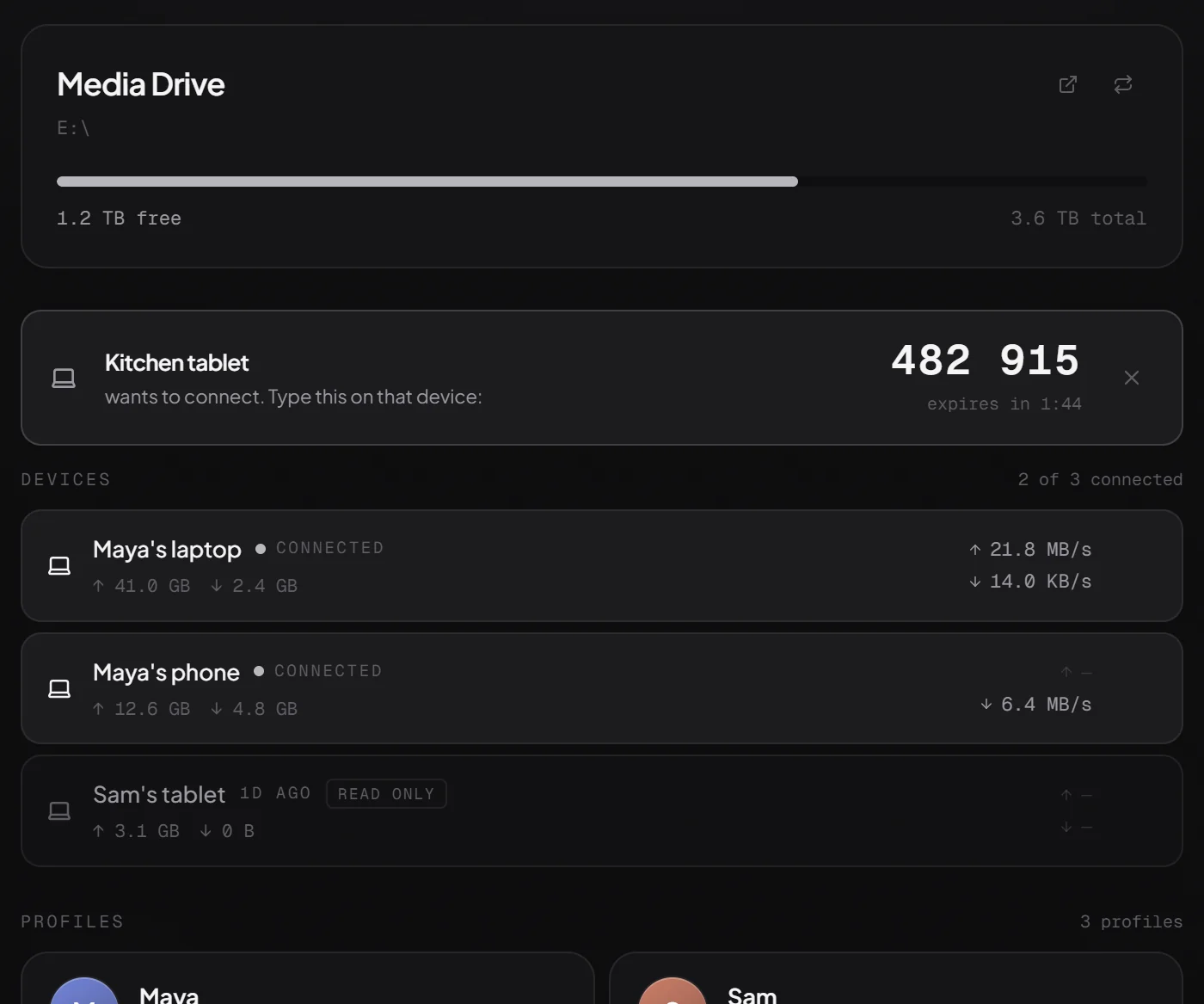
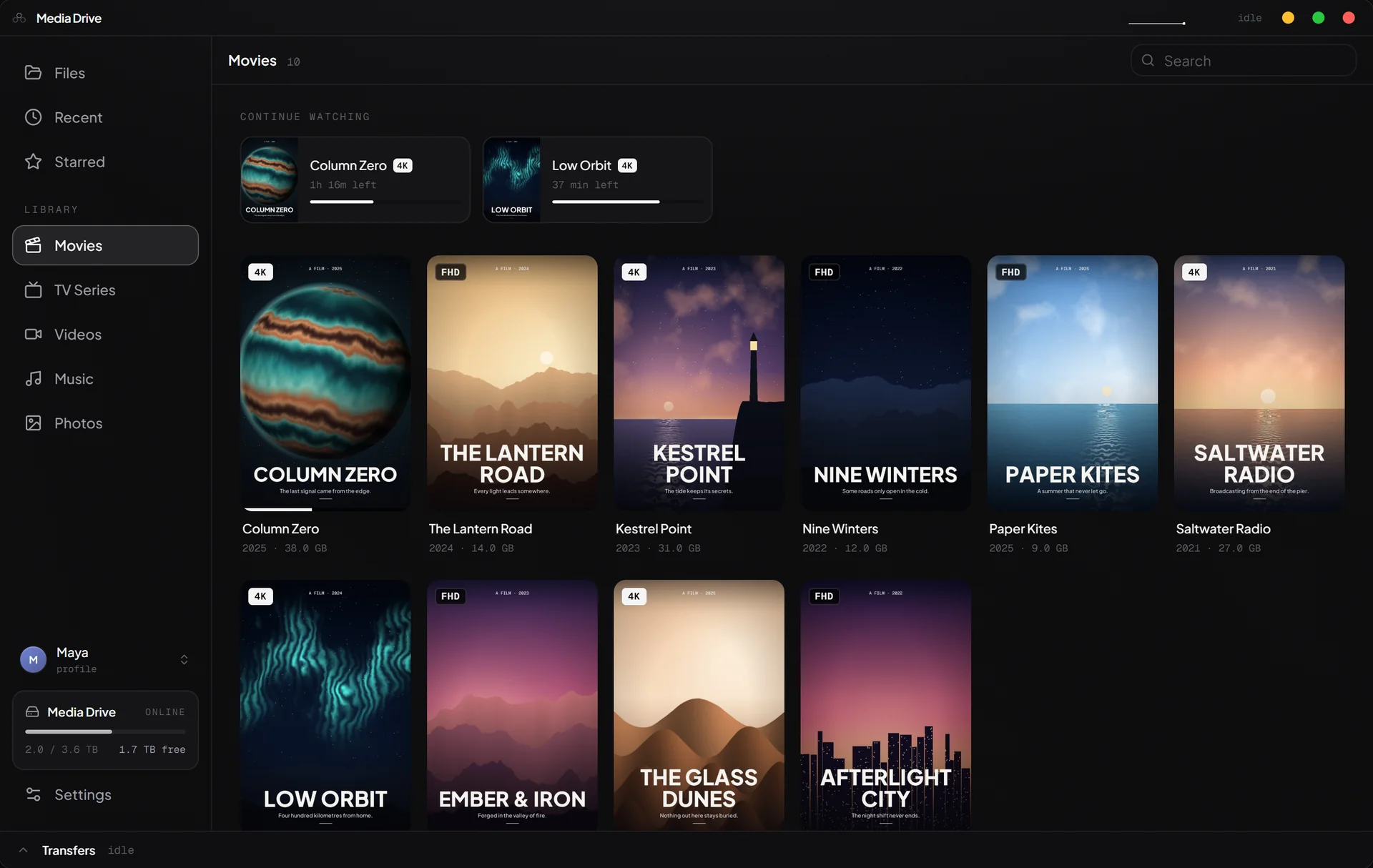
Basalt turns one Windows PC into a private drive for the whole household. Browse every file, watch every film, and pick up where you left off on any PC, phone or tablet in the house. No cloud, no subscription, no account.
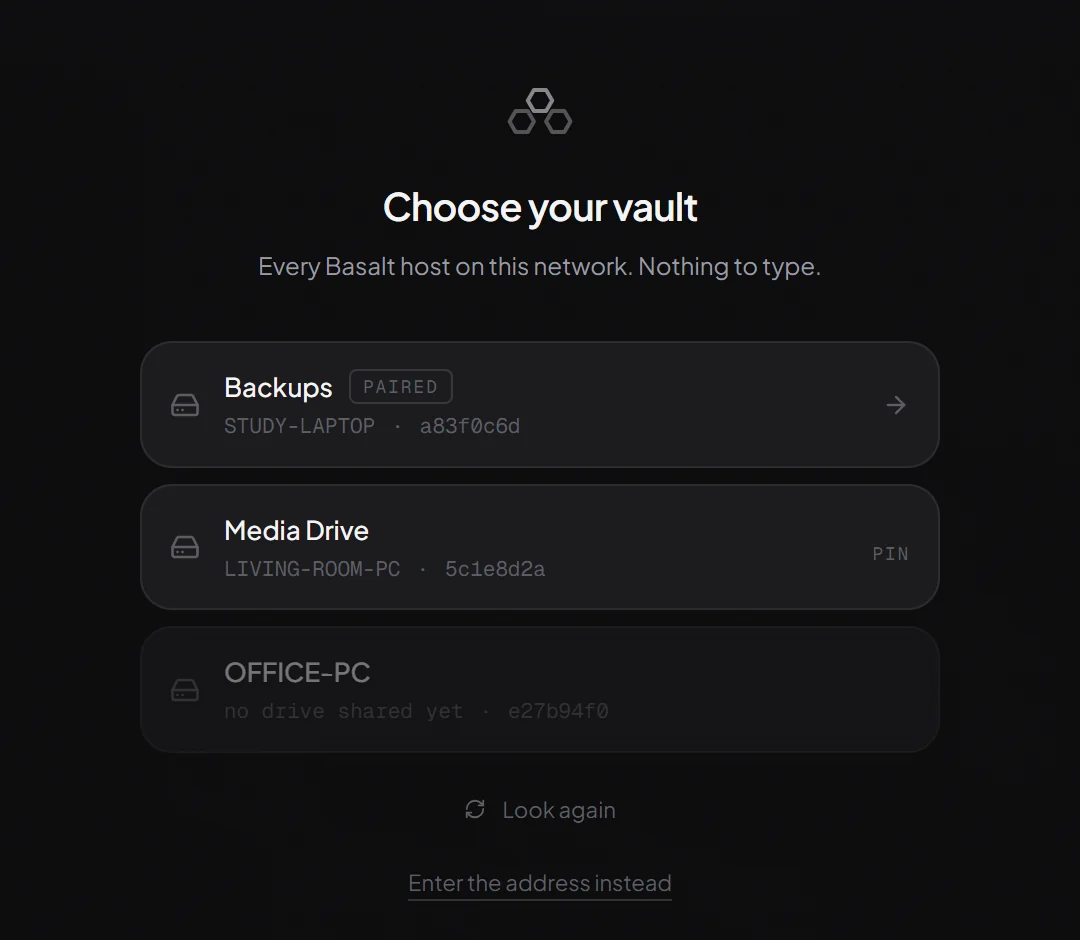
No IP addresses, no Windows sharing settings, no accounts. Your devices find the host by themselves, and keep finding it when the router hands it a new address.
Install Basalt Host on the PC with your films, photos and files, and choose the drive to share.
Open Basalt on a laptop or phone. Every host on your network is listed. There is nothing to type.
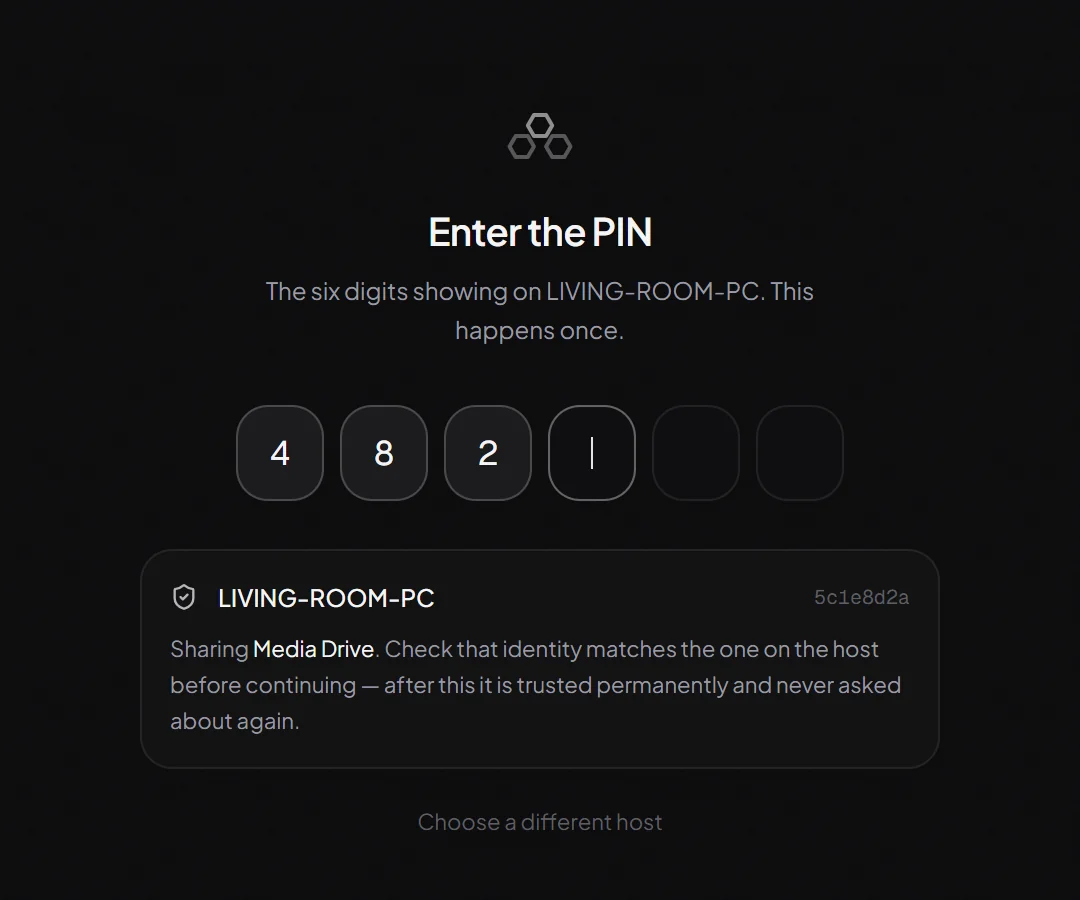
The host shows six digits. Type them on the device and it is paired for good. That is the whole setup.
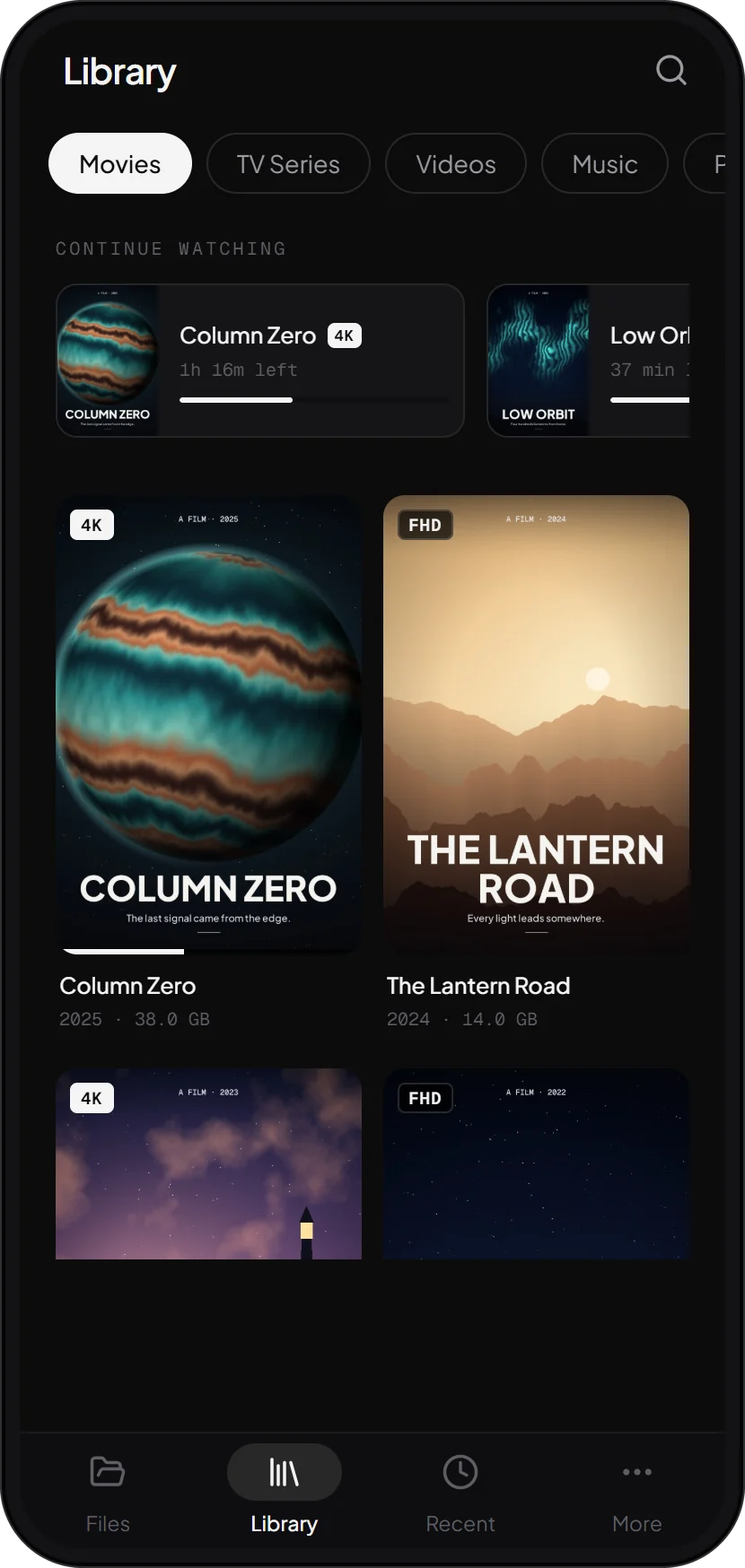
Basalt reads your drive and puts every film and episode in its place, with posters, picture quality and a Continue watching row that follows you from room to room.
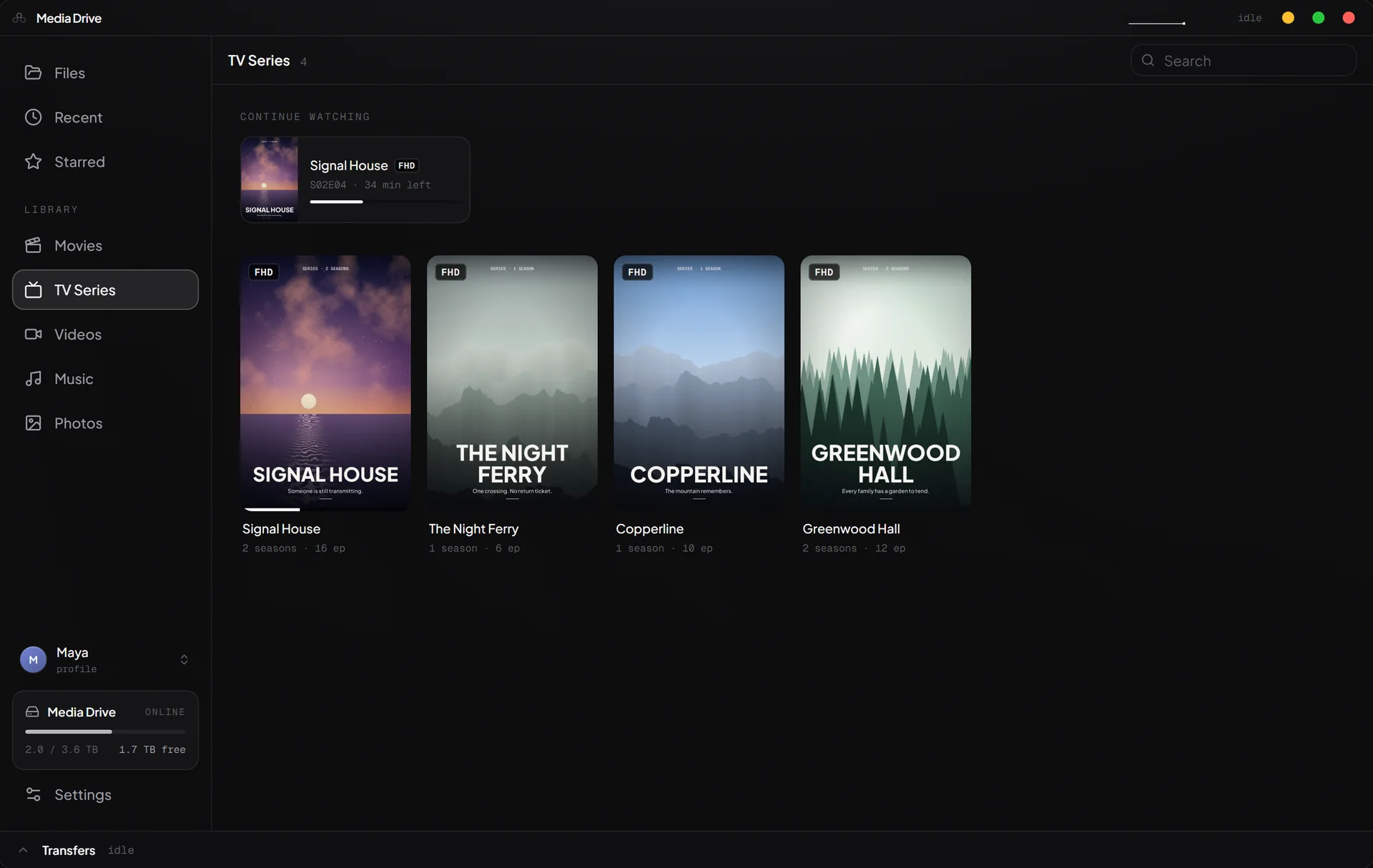
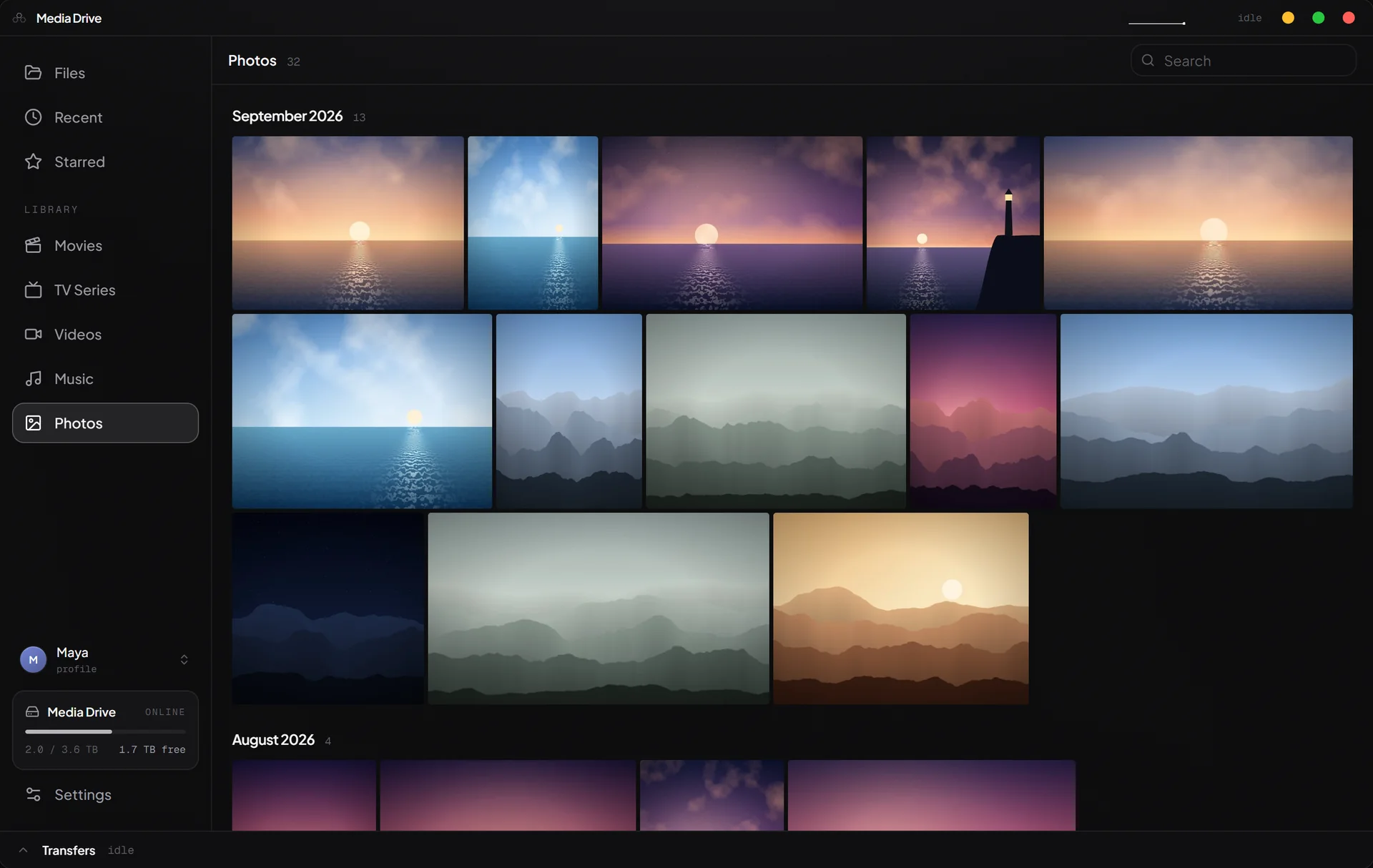
Switch it on and the host files films under Movies and series under TV Series, with seasons and episodes in order. New ones appear the moment they are copied in.
Every film is checked against a bundled catalogue of real titles, so screen recordings and home videos stay out of Movies. Nothing is sent anywhere to do it.
HD, Full HD, 2K or 4K, measured from the video itself rather than guessed from its file name.
Start a film on the laptop and finish it on the phone. Episodes play on to the next one by themselves.
Built on mpv, the player enthusiasts trust, on Windows and Android alike. Films stream straight from the drive in their original quality: no converting, no waiting, no copies.
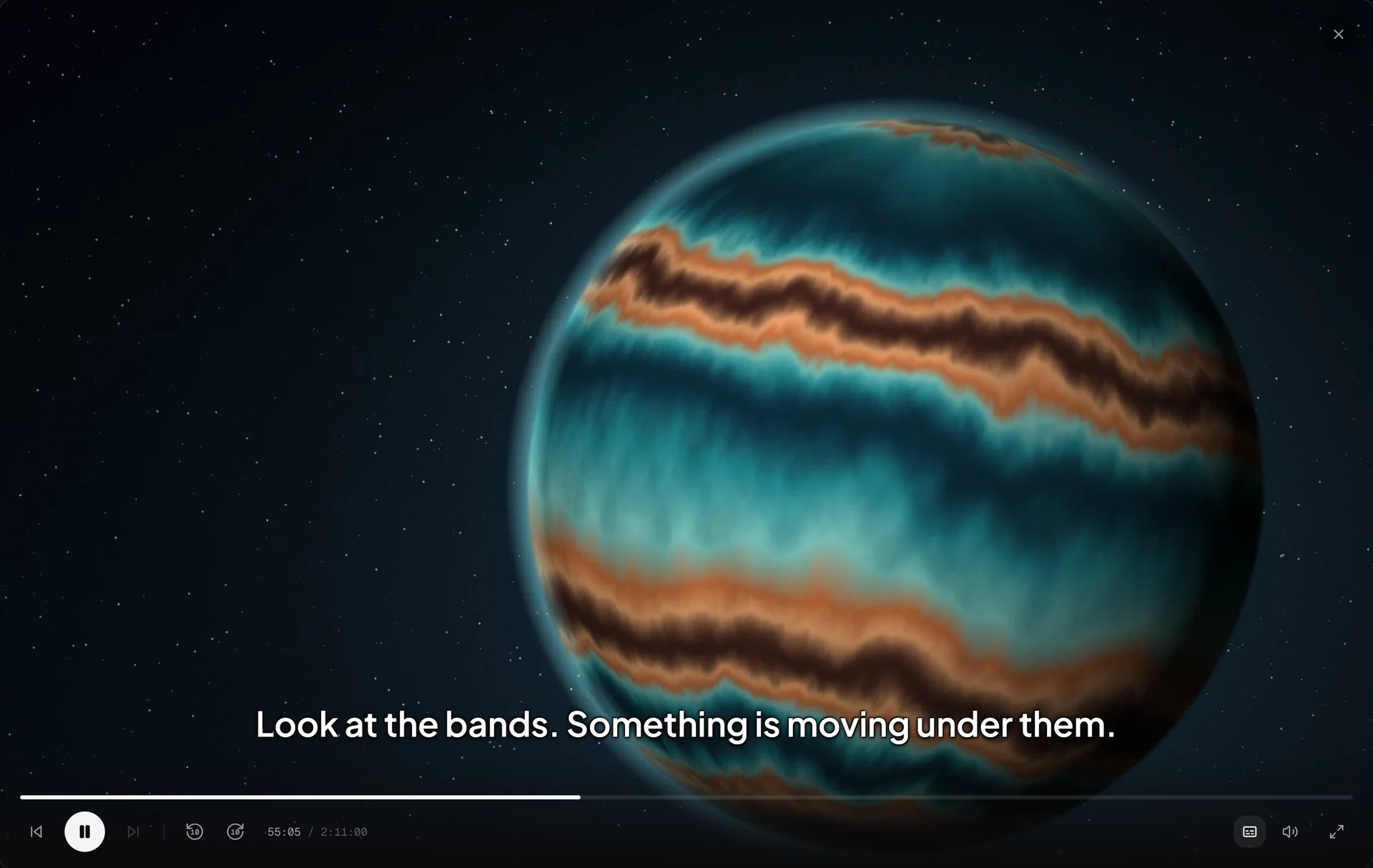
Tracks named by language, remembered on or off from one video to the next, found beside the video on the drive or dropped onto it, and nudged into sync when they drift.
Resume points live on the host, so every device knows where you were. Pausing shows what is playing and what comes next, one click from the next episode.
Every control has a key, on Windows. On a phone, double-tap either side to skip.
The same drive, library and profiles as on your PC, laid out for touch. It pairs the same way, finds the host by itself, and plays films on the same player.
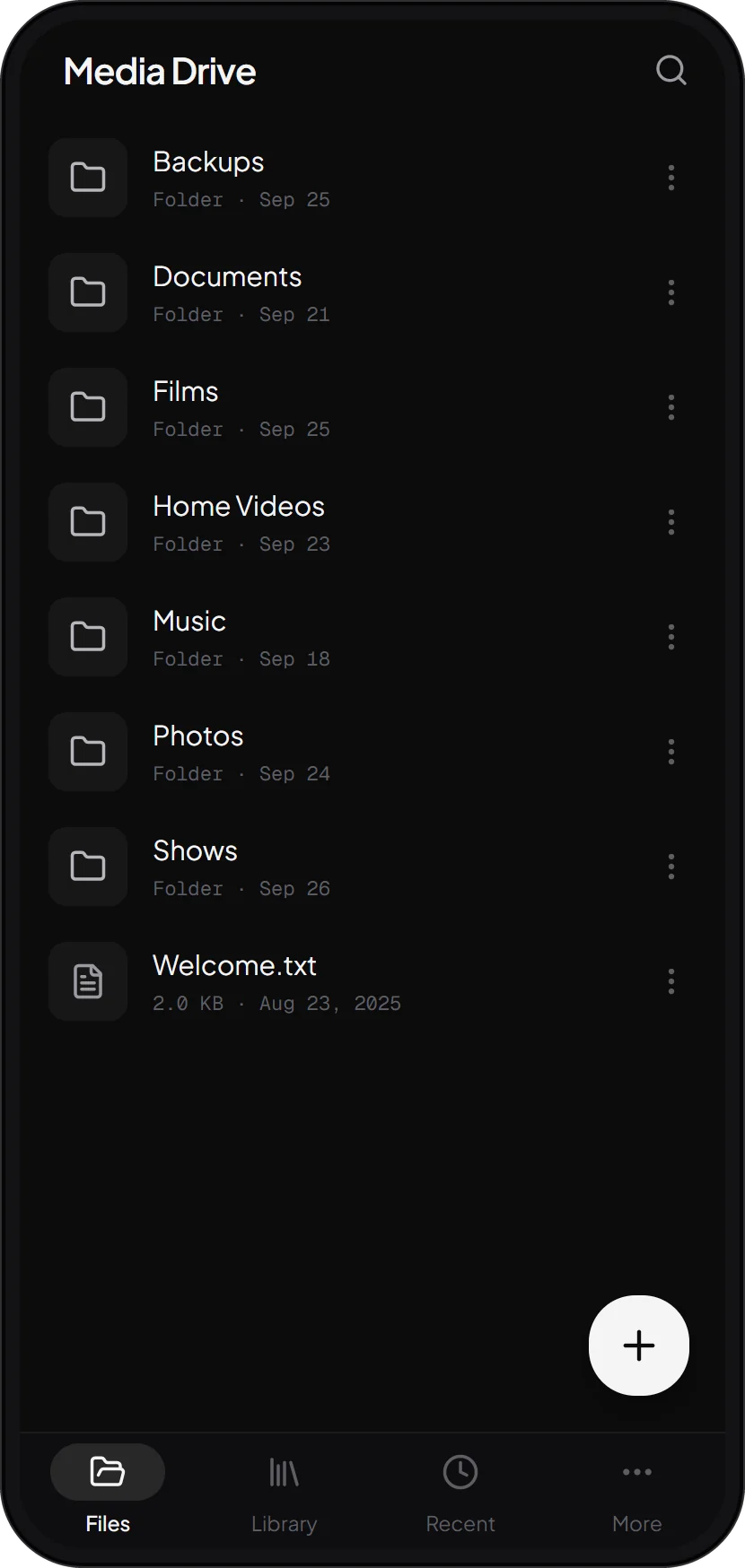
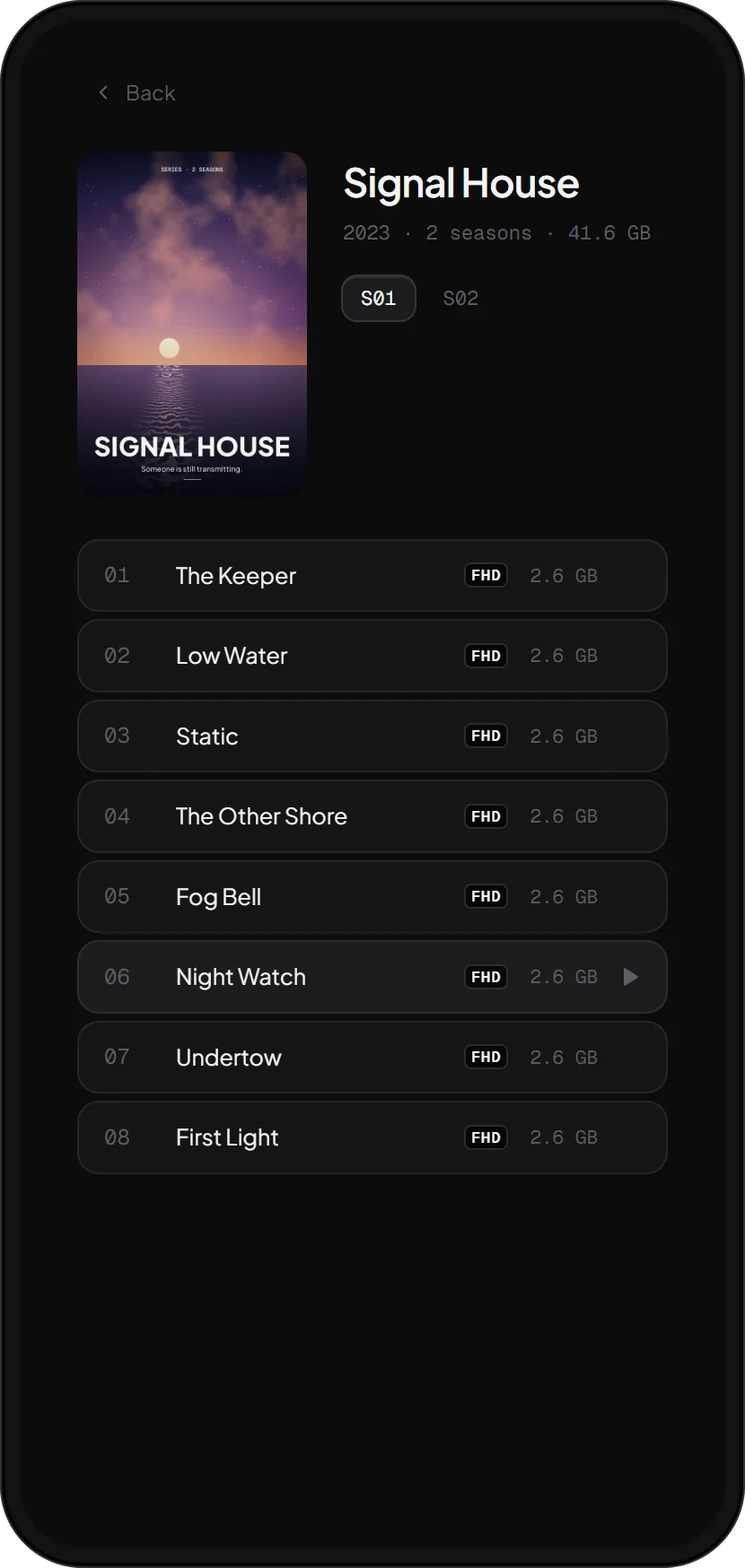
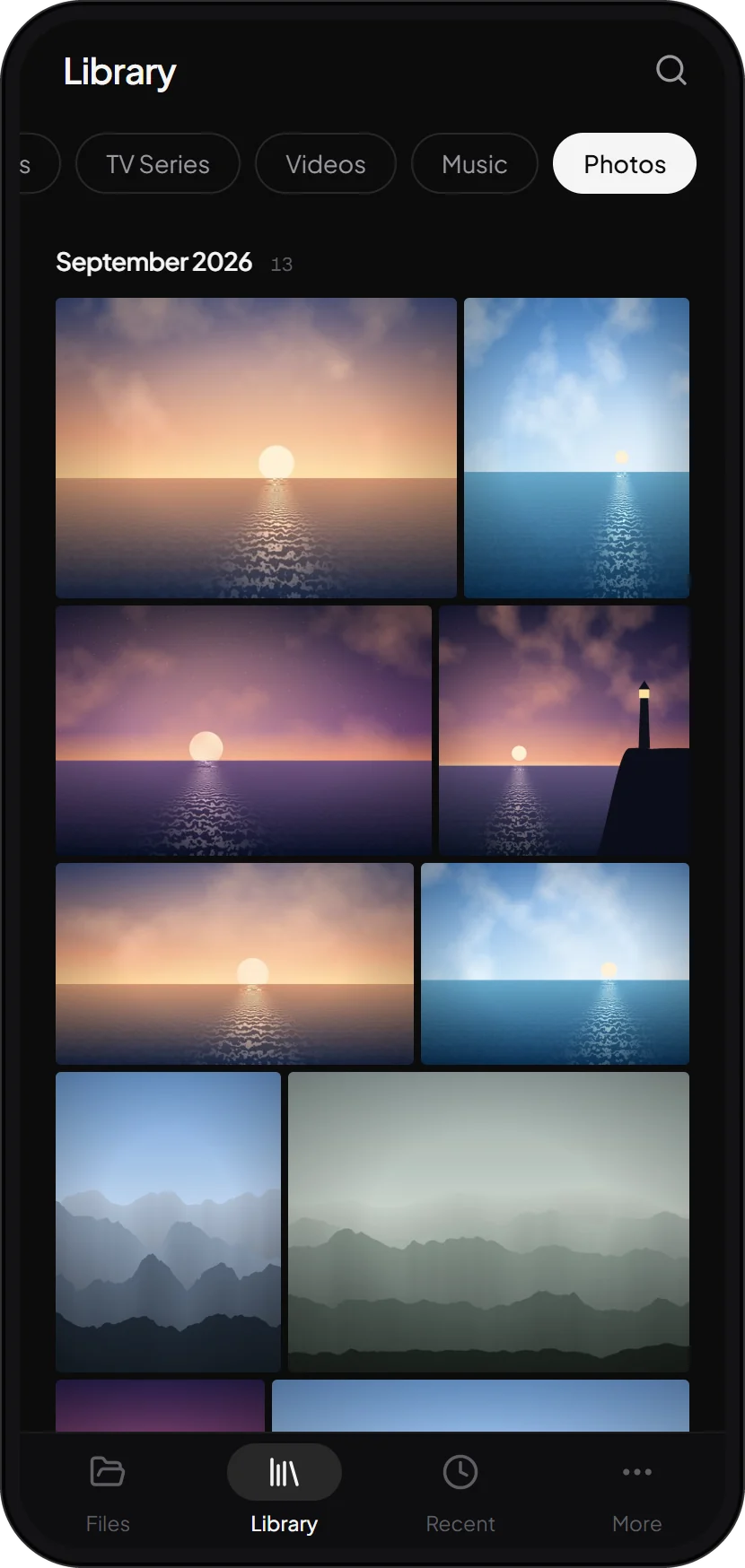
Upload from the gallery, any file, or a whole folder. Or share to Basalt from any other app.
Full screen, turned to suit the picture, with a double tap either side to skip. Or hand the stream to another player such as VLC.
Pinch to zoom, swipe to the next one, and swipe down to put the viewer away.
A transfer or a song keeps going while the phone is locked. Downloads land in the phone’s Download folder.
On a Wi-Fi network without internet, where a phone would normally switch to mobile data, Basalt keeps its connection to the host.
New versions download inside the app and are checked before they install.
Not just films. Every folder, photo, song and home video on the drive, from every screen, kept in step the moment anything changes.
Every folder on the drive, from any PC. Drag a box to select, and drop files or whole folders in to upload them. Transfers are compressed where it helps and verified end to end.
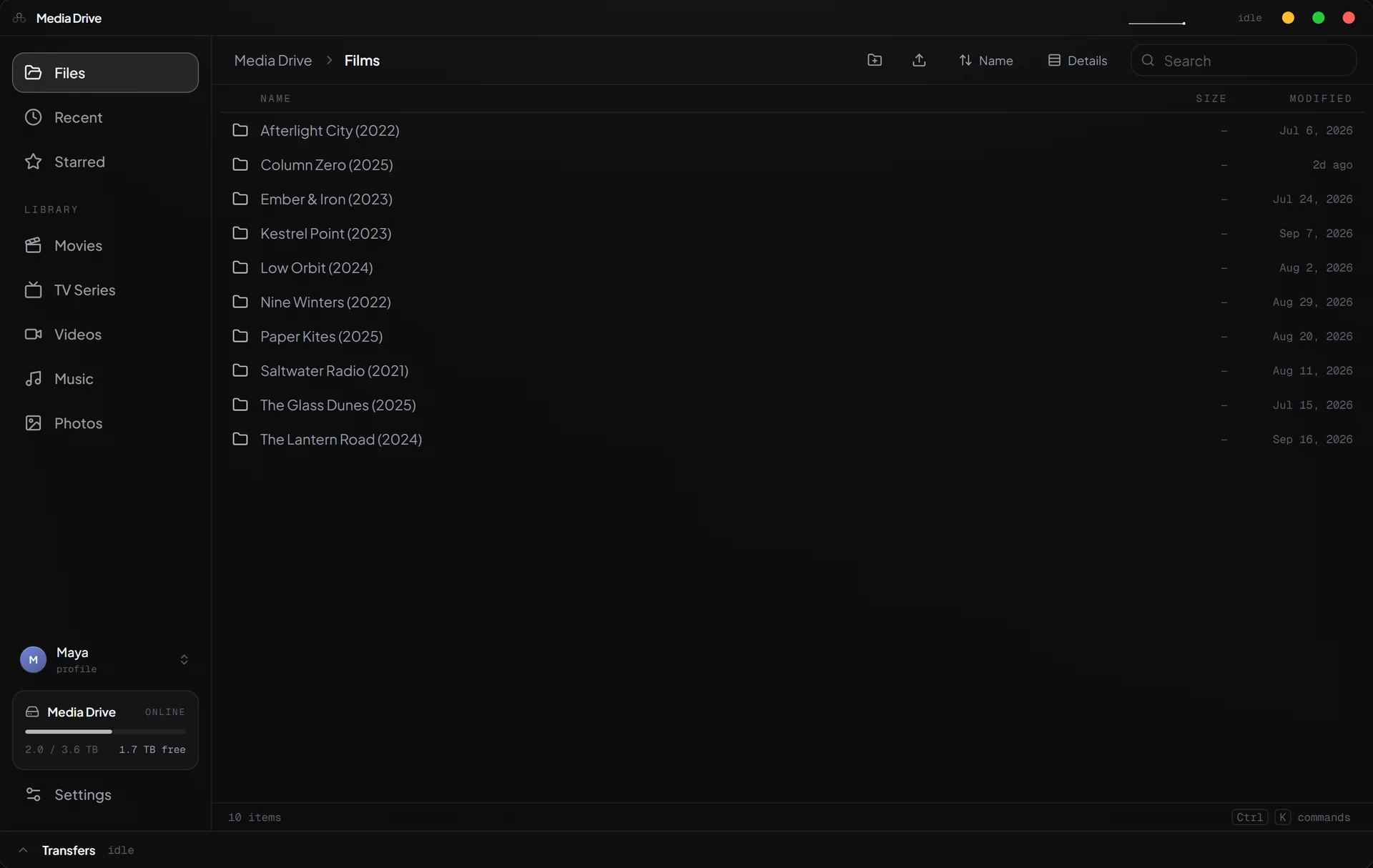
Add, rename or delete a file on the host, with Basalt or with Explorer, and every device sees it straight away.
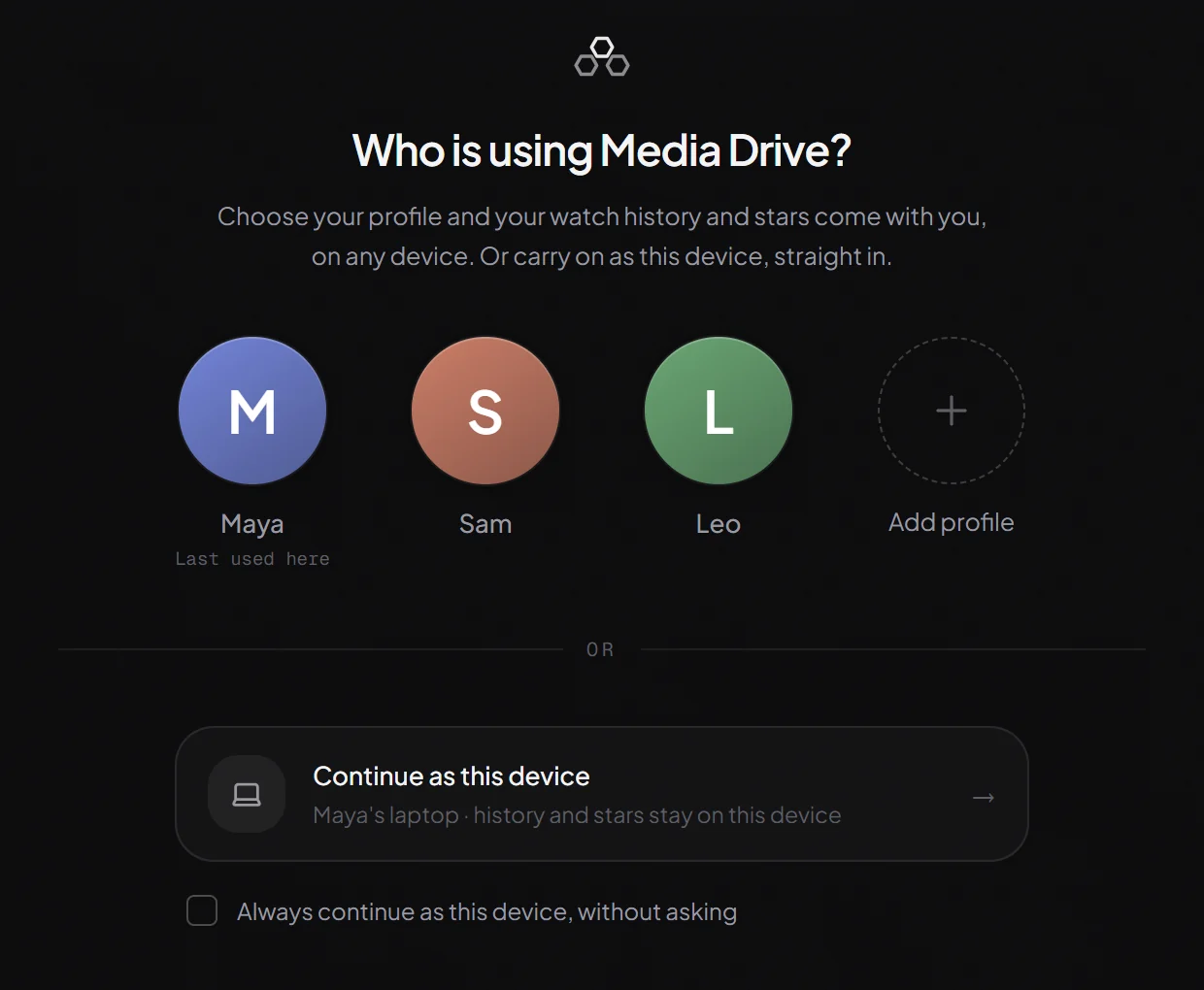
A profile is a name, a colour and a PIN. Its Continue watching and starred files follow it to every device. Or skip it and carry on as the device.
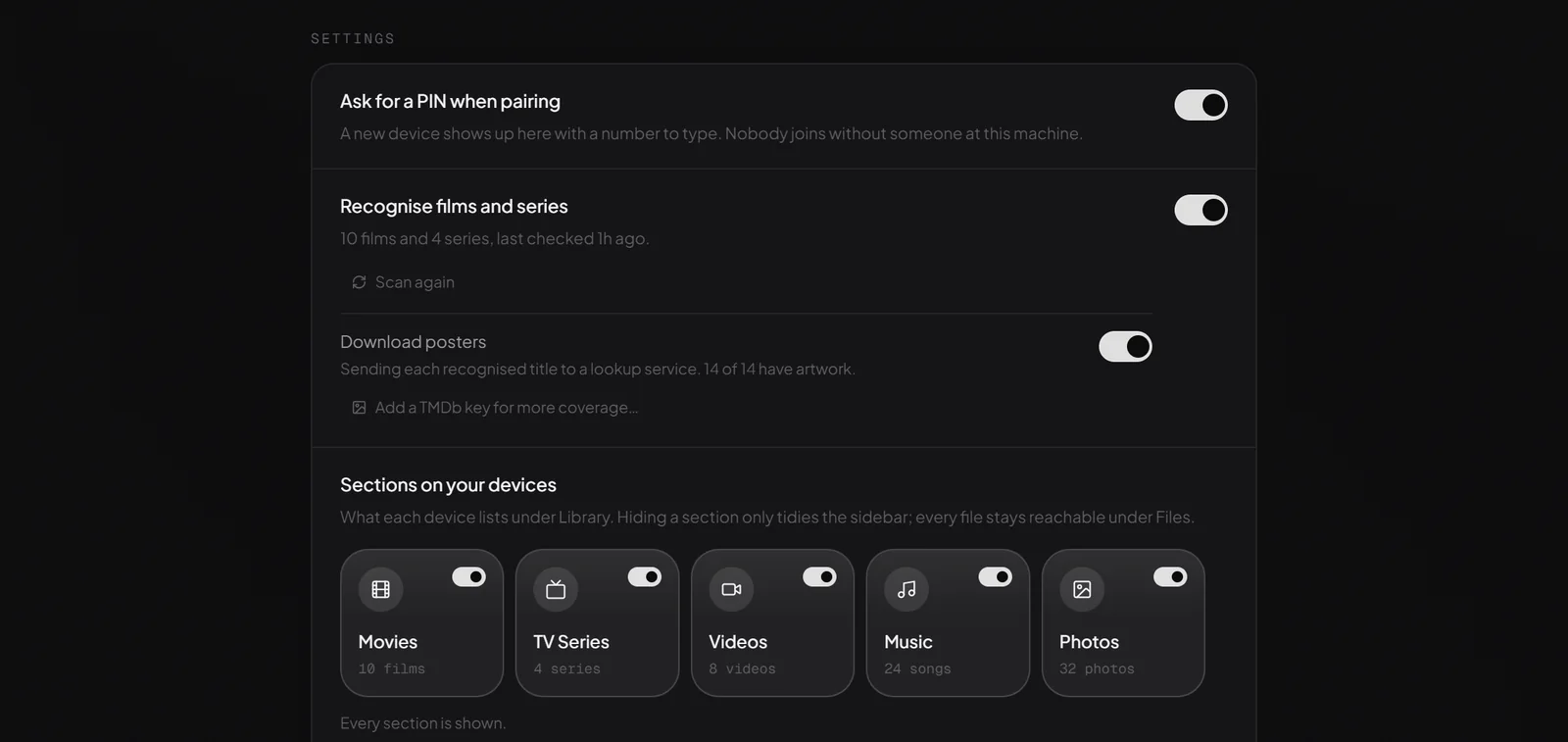
See every device and what it is streaming right now. Make one read-only, let one go, reset a forgotten PIN, and choose which sections devices show.
There is no device limit and no stream limit. The host sends files and nothing more, never converting video, so an ordinary Windows PC is enough and more viewers cost it almost nothing.
There is no Basalt cloud, no Basalt account and no Basalt server. The host serves your files to your own devices, over your own network, encrypted, and that is all it does.
Every connection is encrypted with TLS 1.3, and each device remembers the host’s key when it pairs and checks it every time it connects.
A new device needs the PIN the host shows. Any device can be made read-only, or removed, from the host.
Files travel between your own devices and nowhere else. The apps need no account and send no telemetry.
PINs are stored hashed, never as typed, and repeated wrong guesses lock a profile for a while. Sign-ins stay protected on each device.
Licensed under the GPLv3, with the source code public for anyone to read.
Each app shows what changed and installs a new version only after its SHA-256 checksum matches.
Short films of each app at work, with an example household. Choose one and press play. Nothing downloads until you do.
Something else on your mind? Write to us, or open an issue on GitHub.
A Windows 10 or 11 PC with the drive you want to share, running Basalt Host while you use it. Then any other Windows 10 or 11 PC, and Android phones and tablets running Android 8.0 or later (64-bit), on the same home network.
The drive can be the PC’s own or one plugged in over USB.
Yes. Basalt is free and open source under the GPLv3. There is no subscription, no premium tier, no account and no advertising, and there is nothing to pay for later.
No. Your files travel between your own devices, over your own network, and nowhere else. There is no Basalt server to send them to.
The apps make two kinds of request beyond your network: a check for updates on GitHub, and, only if you switch it on, looking up posters for your films.
Almost certainly. Basalt plays through mpv, on Windows and Android alike, so MKV and MP4, HEVC and H.264, 4K and HDR, Dolby Digital Plus and DTS all play, with the subtitle tracks inside the file or in a subtitle file beside it.
Nothing is converted on the way. The film you stored is the film you watch.
No. The host sends files and never converts video, so any PC that runs Windows 10 comfortably is enough. The playing is done by the device you watch on, and more viewers cost the host almost nothing.
No. Files stay exactly where they are. The library is an index the host keeps beside them, and hiding a section only tidies the apps’ sidebars.
Recognition works best with names like Arrival (2016) for films and Show/Season 01/S01E01 for episodes, the way most collections are already named.
Basalt is made for your home network. Devices find the host on the same network, and there is no relay through the internet, which is exactly why nothing of yours passes through anyone else’s servers.
Not yet. Today Basalt runs on Windows 10 and 11 and on Android phones and tablets.
A Google Play version is on its way. Until then, the app is available here with each release, and it keeps itself up to date: More, then Check for updates.
The first time you install it, Android asks you to allow your browser or file manager to install apps. That permission can be switched off again afterwards.
Every connection is encrypted, and a device only joins after someone types the PIN the host shows. Each device remembers the host’s key and checks it every time it connects. On the host you can make any device read-only, or remove it.
Install the host on the PC with the drive, then Basalt on everything else. Pick the host, type the PIN, and you are watching.
Shares the drive, lets devices in, and keeps the library.
Download HostBrowse the drive, watch the library, and move files.
Download for WindowsThe same drive and library, laid out for touch.
Download for Android